Microsoft 365 cloud system allows access from multiple device with just a single login.
Sign-in to 365
1. Launch your favorite web browers and go to login.microsoftonline.com
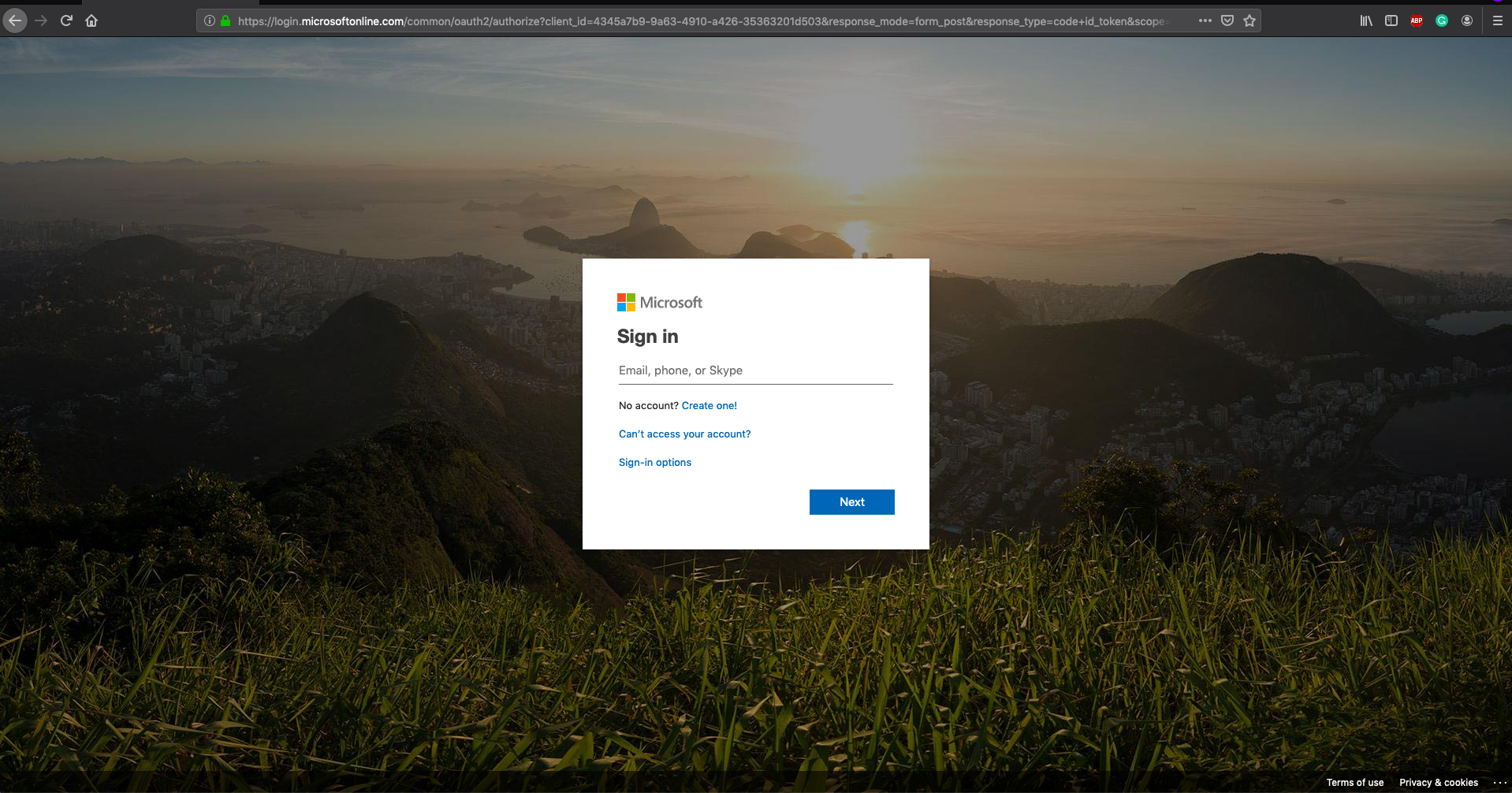
2. Under "Sign in" enter your Delta Constructors email and click "Next".

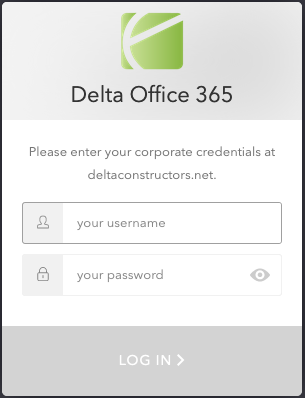
3. You will be redirected to the "Delta Offfice 365" login screen. Provide your coprorate credentials here.
. 
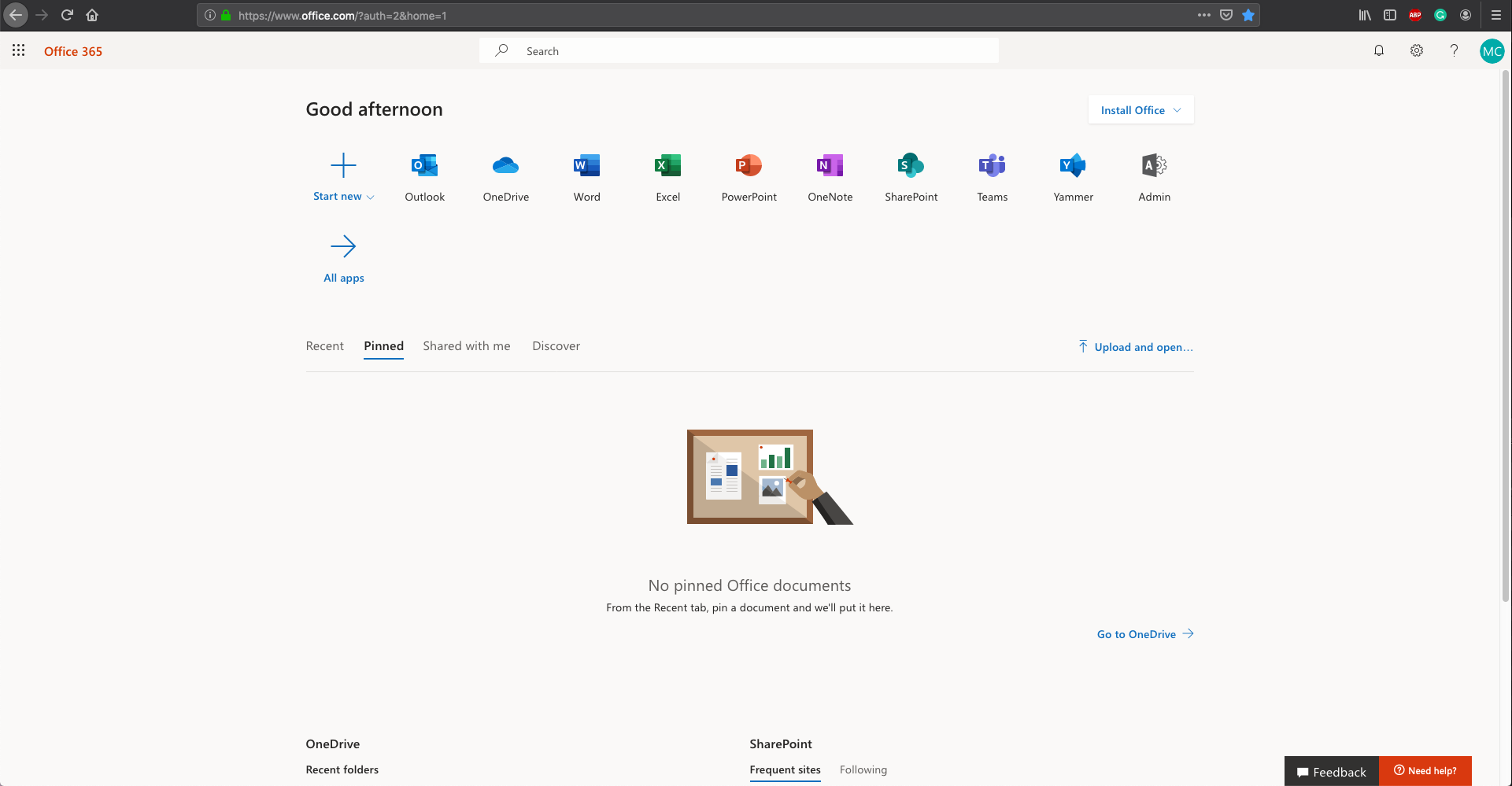
4. Your Delta 365 account is now signed in. Apps like Outlook, Word and Excel by clicking on the icons.
Sign-out of 365
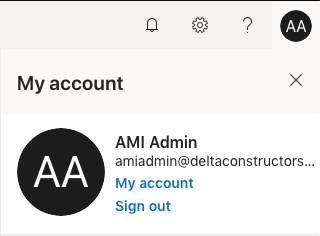
1. Select the icon with your initials in the top right corner of the 365 login to open the "My Account" tab.

2. Click "Sign out".
3. Wait several seconds for your account to be fully signed out.